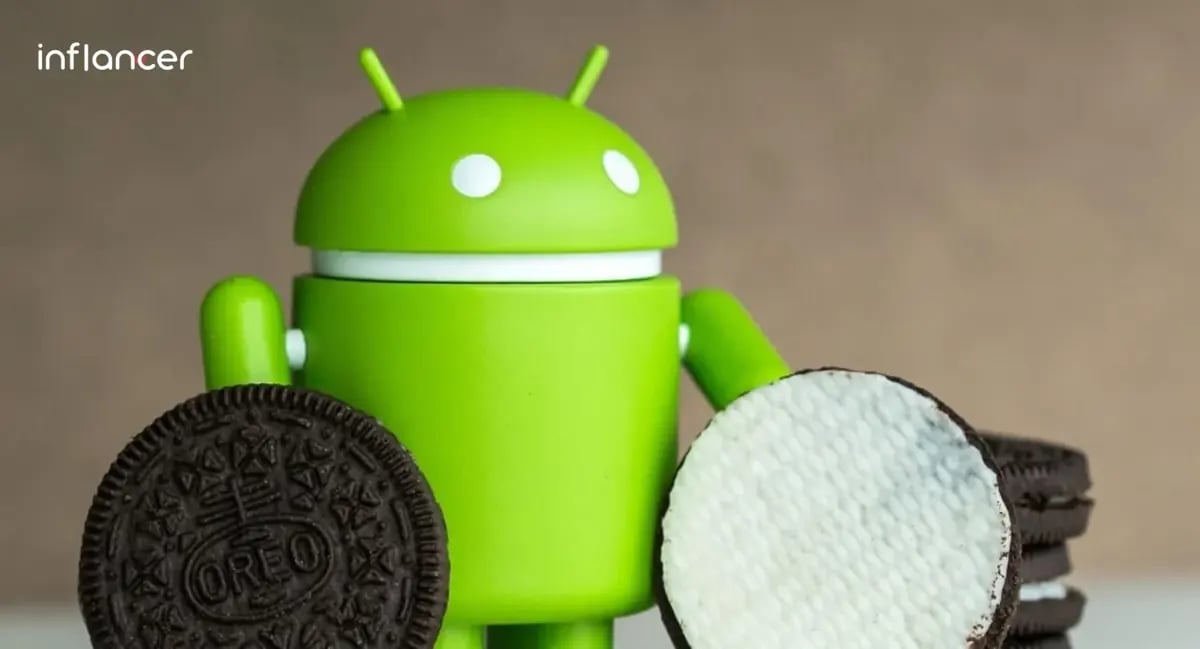
You speculated it right! O will be Oreo, and it is.
The latest version of Android is officially here aka Android Oreo. Google has so far kept it a tradition to spread the joy (updates) using sweet treats and without breaking the institution for the name of its major Android releases, it launched the yet another sugary dessert ‘O’.
But this sweet confit missed out to grace the custom of getting borne on the grounds of Mountain View, California, headquarters, where a giant lollipop, ice cream sandwich and jelly beans were revealed. This is the first time Google has revealed the Android statue somewhere else.
What are the Key Features of Android Oreo?
Picture-in-Picture mode, quicker boot times, contextual press-to-hold options, notification dots, new emojis, and limited background activities for longer battery life are all new features of Android Oreo. Additional enhancements include quicker Android Runtime, enhanced keyboard navigation, Wi-Fi awareness, and support for high-resolution audio. The upgrade improves efficiency and opens up new Java Language APIs for mobile app development.
Courtesy: techcrunch
What comes familiar with Oreo is a sweet cookie that comes in a binge eating zone for every age group and we can’t deny it’s instantly recognizable.
The highly anticipated software update isn’t landing on your device just yet, the company confirms. While Pixel and Nexus 5X/6P builds have entered carrier testing, users will need to wait a bit longer for the official release. Every Android application developer is keeping a close eye on these updates, as they’re expected to bring advanced features and smoother performance across devices.
What New These Delectable Dessert Packs? Check The Updates:
1. Picture In Picture (PIP) Mode
The new update comes with a Picture-in-Picture feature that allows the user to see two apps simultaneously.
2. Faster Boot Times
The Oreo boasts of a two times faster boot speed, an autofill option, and a longer battery life.
3. Contextual Press-to-Hold Options
No more juggling to copy an address and pasting it into Google Maps says Android O. The OS has got smarter enough by using machine learning which helps it to recognize which app is best for the string of characters you’re working with.
4. Notification Dots
Unlike iOS, Android O doesn’t scream to tell you how many alerts are pending but does a smart job through notification dots which, when pressed, pop out notifications at a glance without having to open the app, an improvement that builds on earlier Android Nougat updates.
5. New Emoji
Bottom up for rounded-shaped emojis, Google has finally replaced the gumdrop emoji style as part of its broader Android P features update, introducing a more modern and consistent design language. Have you looked into the starstruck emoji? It’s charming enough to grab attention instantly. Additionally, new characters like fairies, mermaids, giraffes, and wizards have been added, offering users more expressive and engaging ways to communicate.
6. Restricted Background Activities
Android O comes with a handful of hours for your phone which means it de-prioritizes app functions running in the background which in turn saves your battery life and of course, lasts longer than it currently does on Android O.
Furthermore, Android O also brings high-resolution audio support, alongside the new native Audio API in mobile app development. New connectivity features like Wi-Fi Aware are also being added, along with improved keyboard navigation, and enhanced WebView.
Android O now supports new Java Language APIs, including the new java.time API. The Android Runtime is said to be much faster than before in Android app development, with improvements of up to 2x on some application benchmarks.
Ready to turn your digital dreams into reality?
Get the weekly updates on the newest brand stories, business models and technology right in your inbox.